Freight forwarding, without the spreadsheets
Shipina brings quoting, booking, and billing into one platform built for freight forwarders and shipping agents — with a dedicated portal for your staff, your customers, and your partners.
No credit card required · Set up your company in a couple of minutes
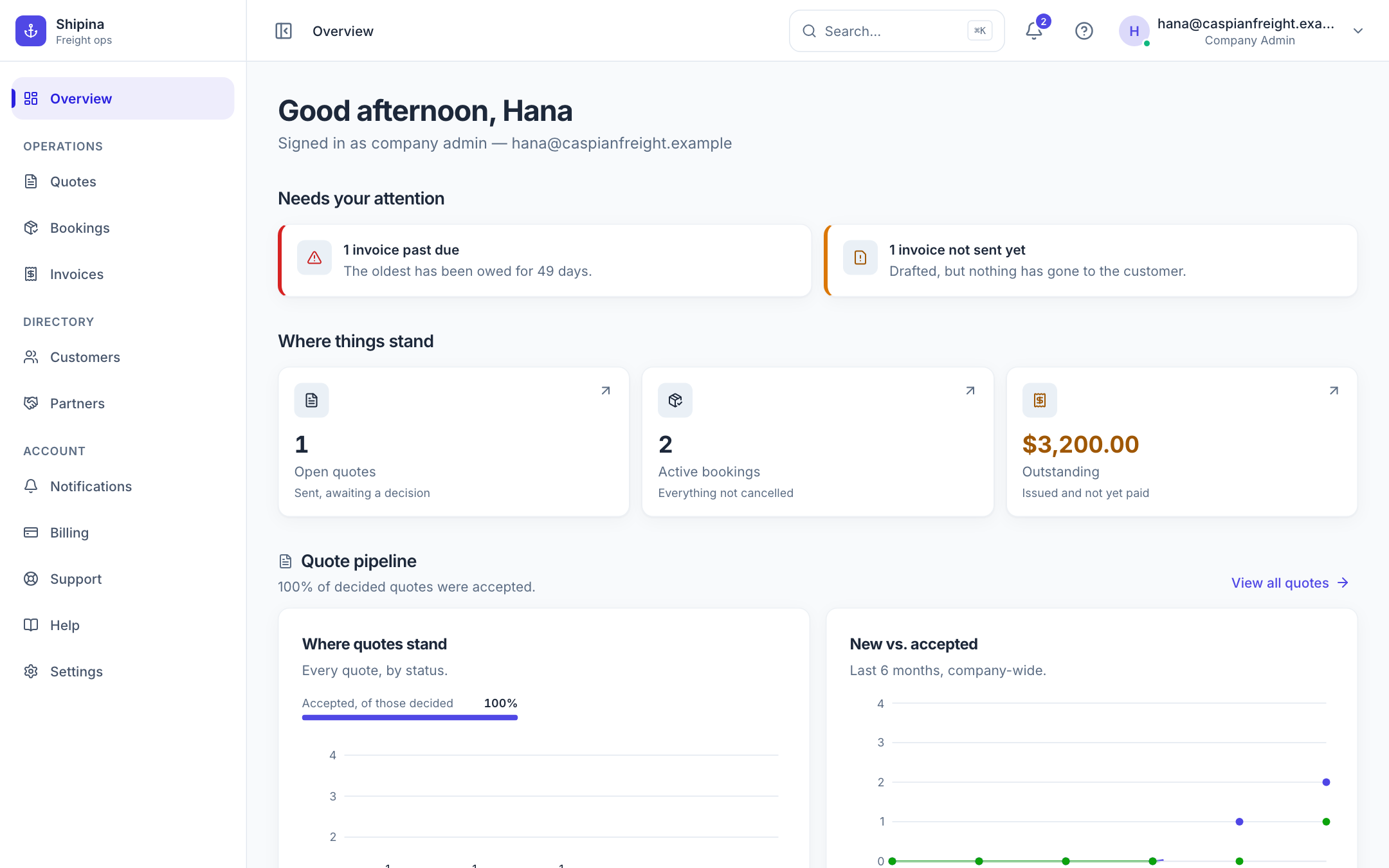
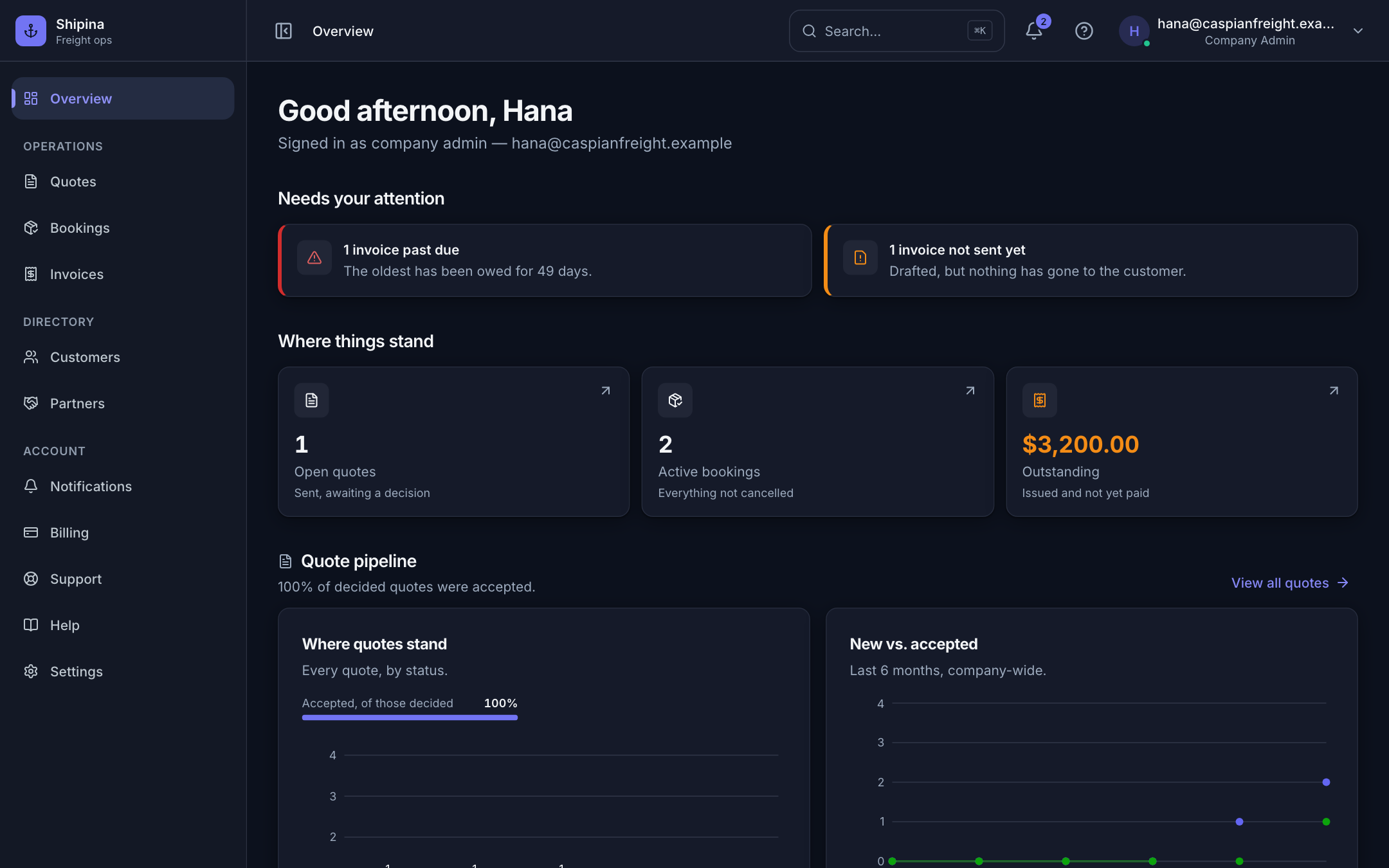
Everything your ops team needs
Shipment tracking and document generation are coming next.
Quoting
Build rate quotes with ports of loading and discharge, cargo details, and line-item pricing — send them straight to your customer's portal.
Booking
Convert an accepted quote into a booking in one click, and keep every shipment order organized in one place.
Billing & invoicing
Generate invoices from a booking, track paid/unpaid/overdue status, and keep a clean record for every customer.
Built for your whole team
Staff, customers, and partners each get their own portal with permissions scoped to exactly what they need.
From first quote to a paid invoice
Four screens, in the order the work actually happens.
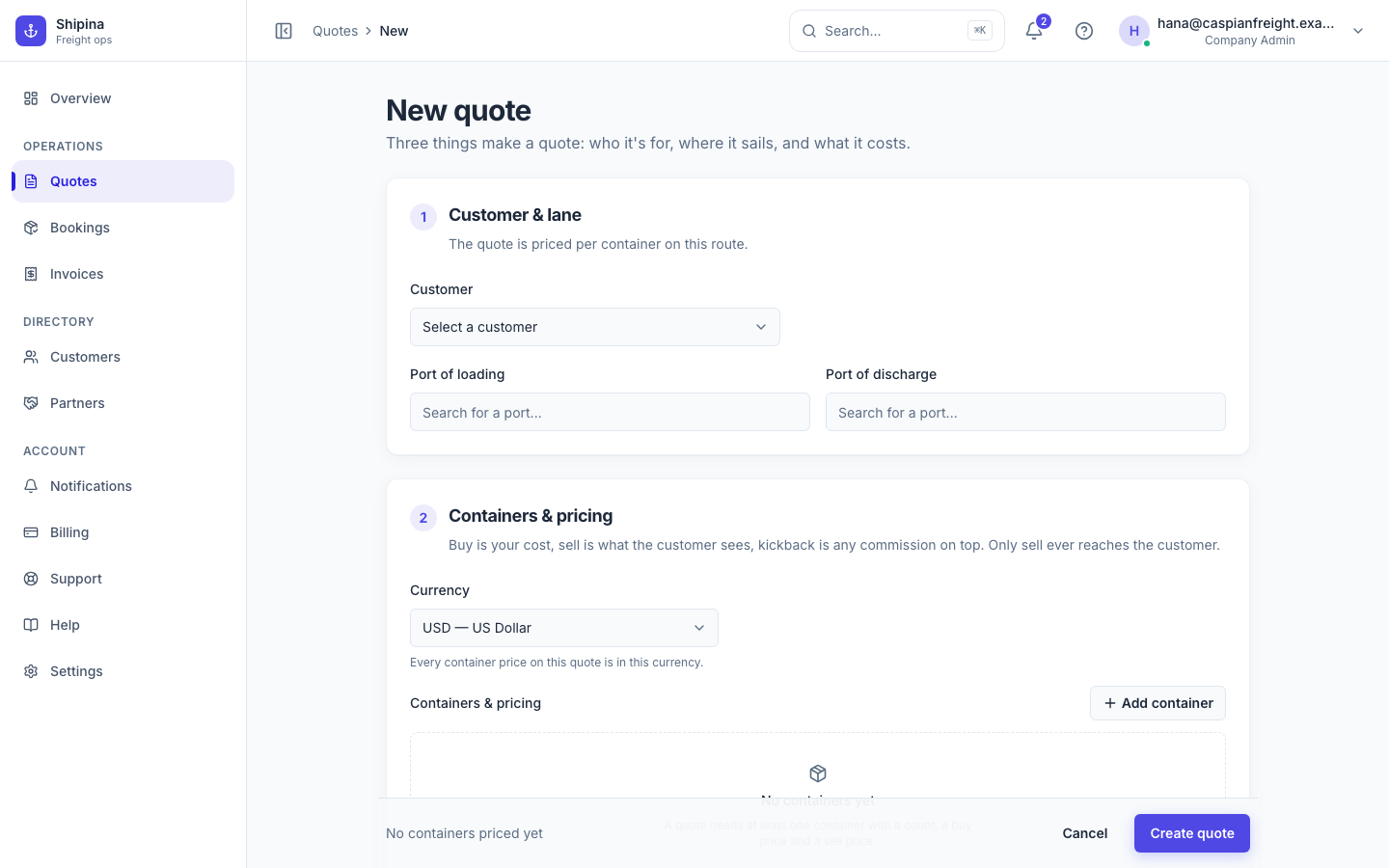
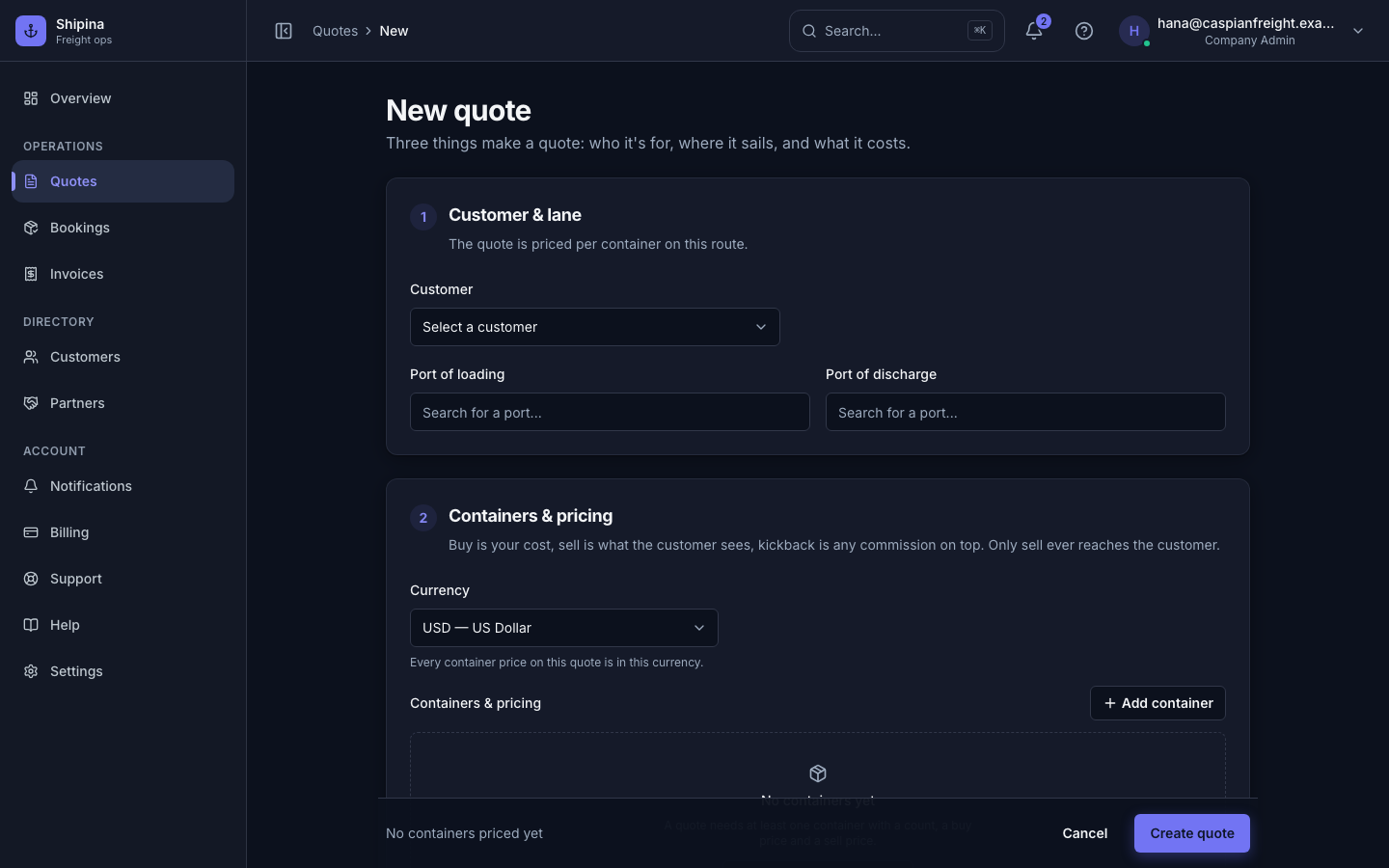
Build a quote your customer can act on
Ports, cargo, containers and line-item pricing on one screen — with what you pay, what you charge and what the customer sees kept firmly apart.
- Search the shared port catalogue by name or by country
- Price per container type, cost and sell side by side
- Send it to the customer's portal and wait for the decision there
Turn an accepted quote into a booking
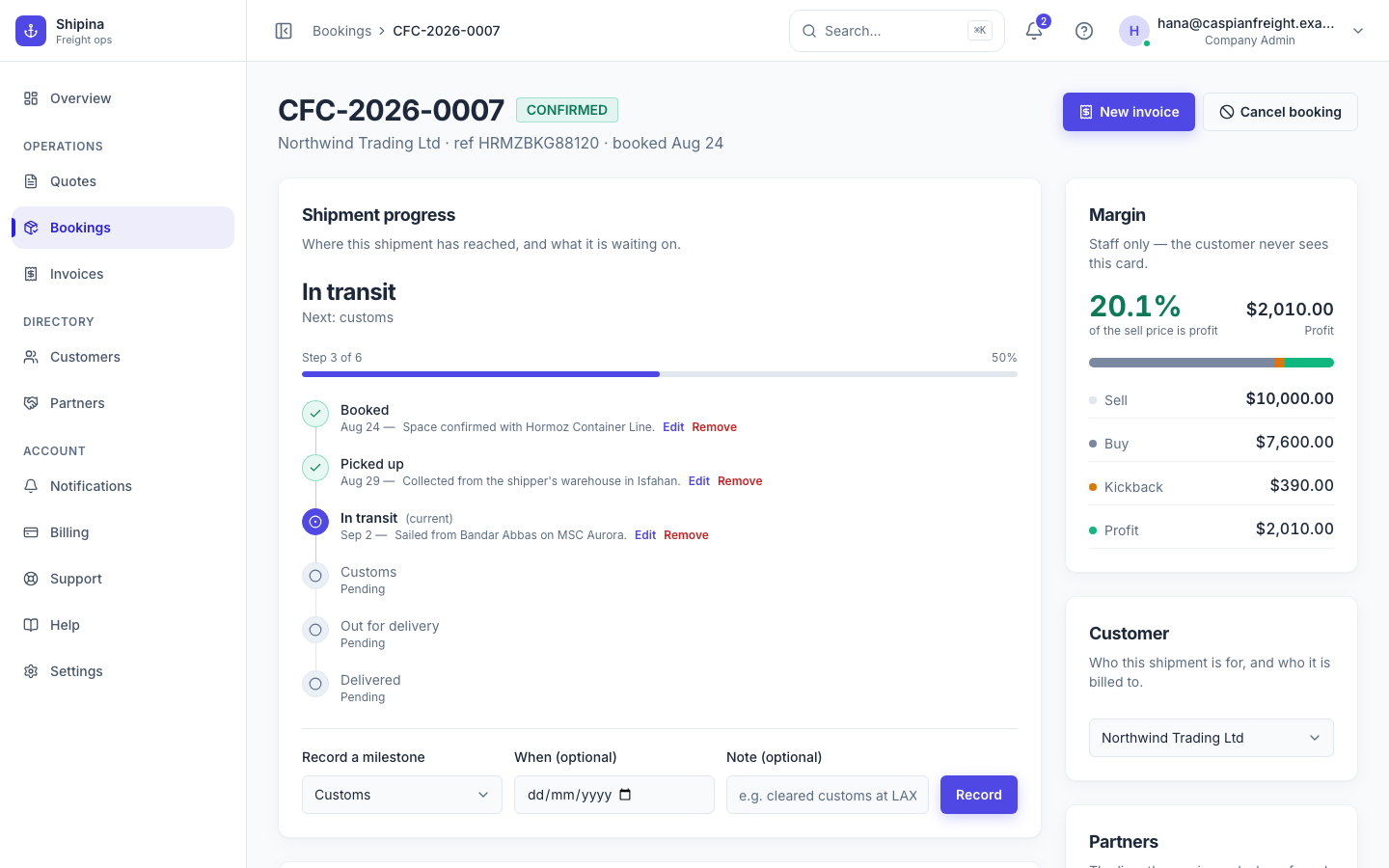
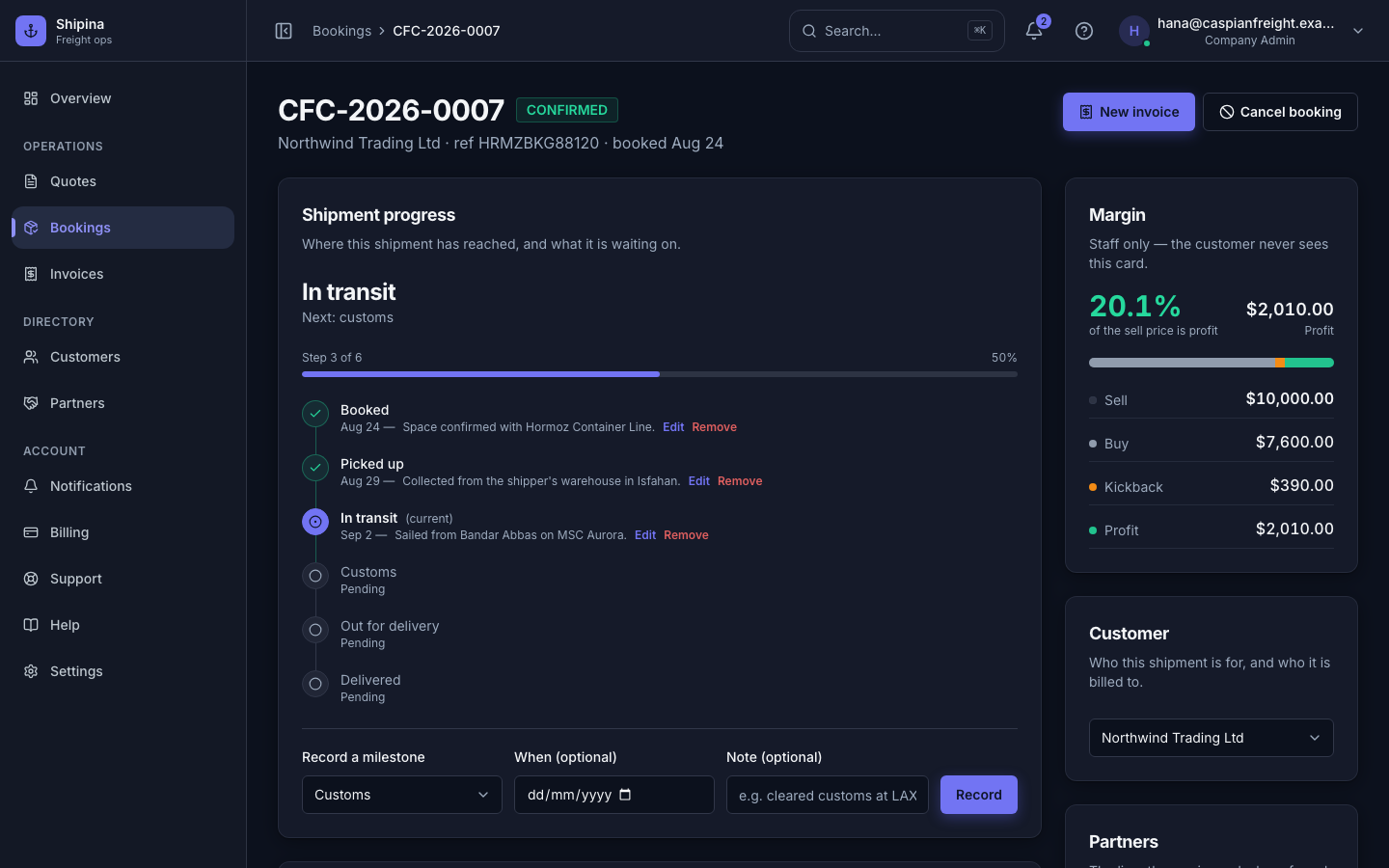
One click carries the route, the cargo and the pricing across. From there the shipment has a reference of your own design, a journey, and somewhere for its paperwork to live.
- Booking references in your own format, numbered for you
- Milestones from gate-in to delivery, with the dates they happened
- Bills of lading and packing lists attached to the shipment itself
Know who owes you what
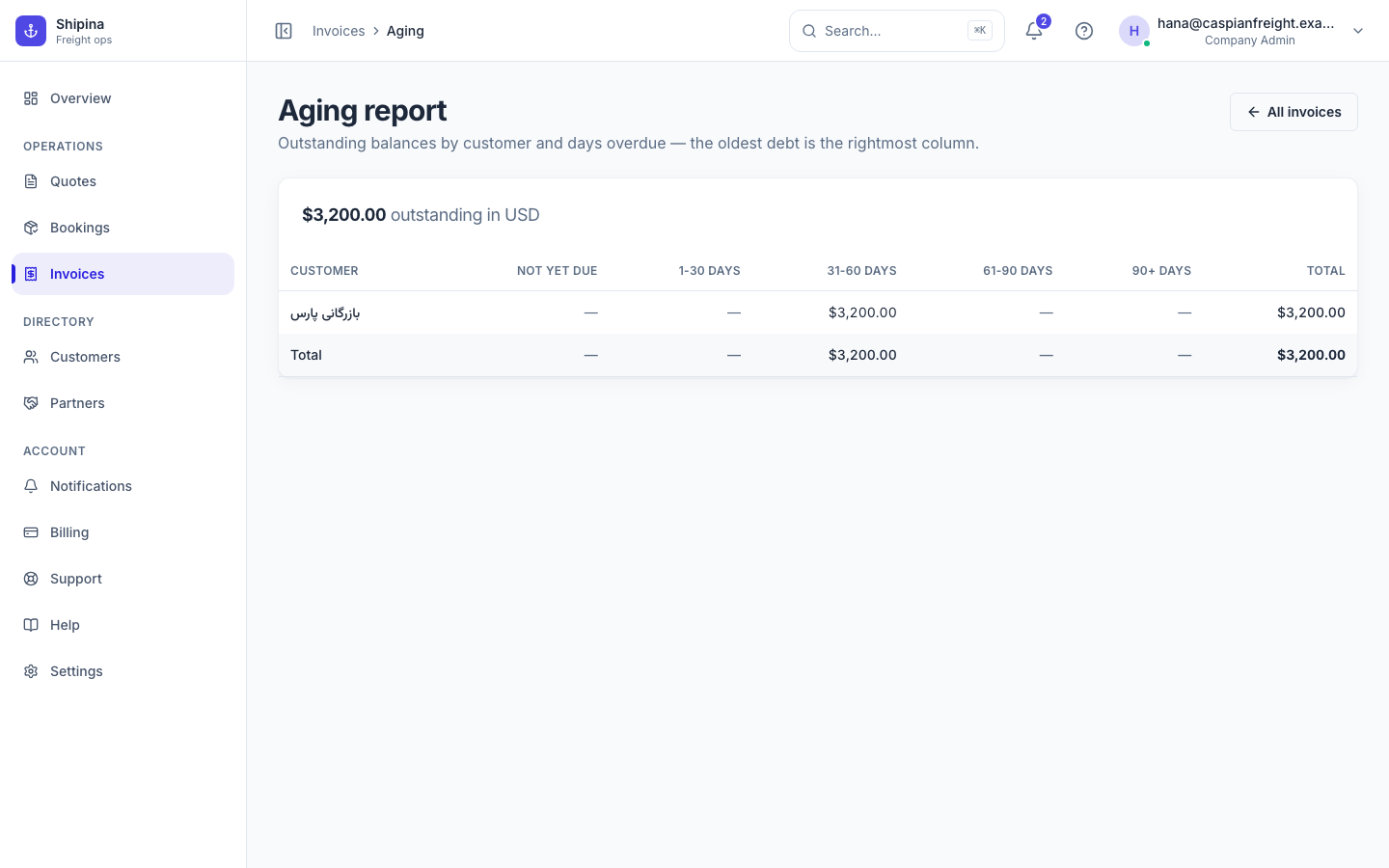
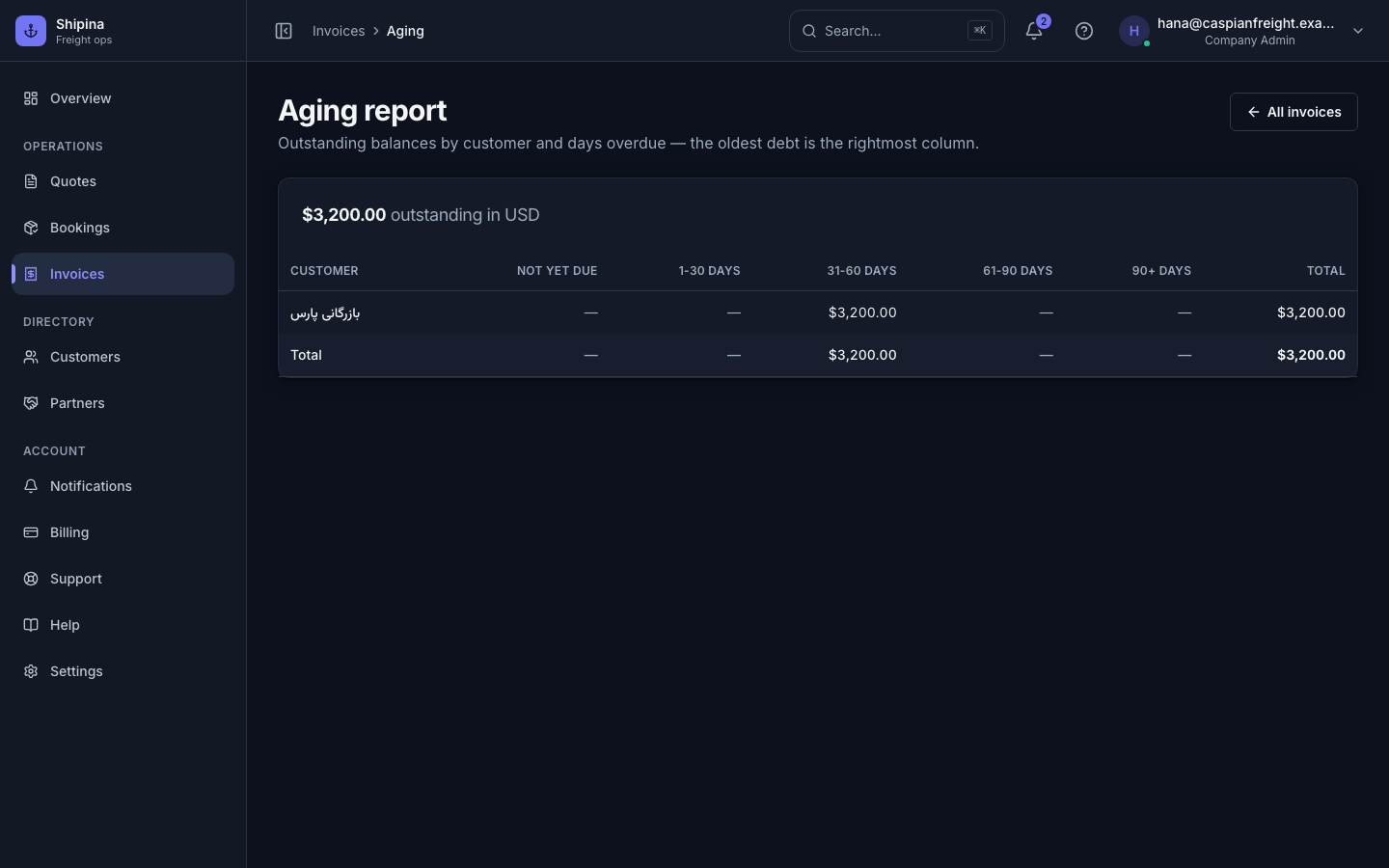
An invoice comes out of the booking that earned it, so nothing is typed twice. The aging report answers the only question anyone asks at month end.
- Invoice straight from a booking, extra costs included
- Paid, unpaid and overdue, bucketed by how long they have been owed
- Your payment terms and bank details on every generated PDF
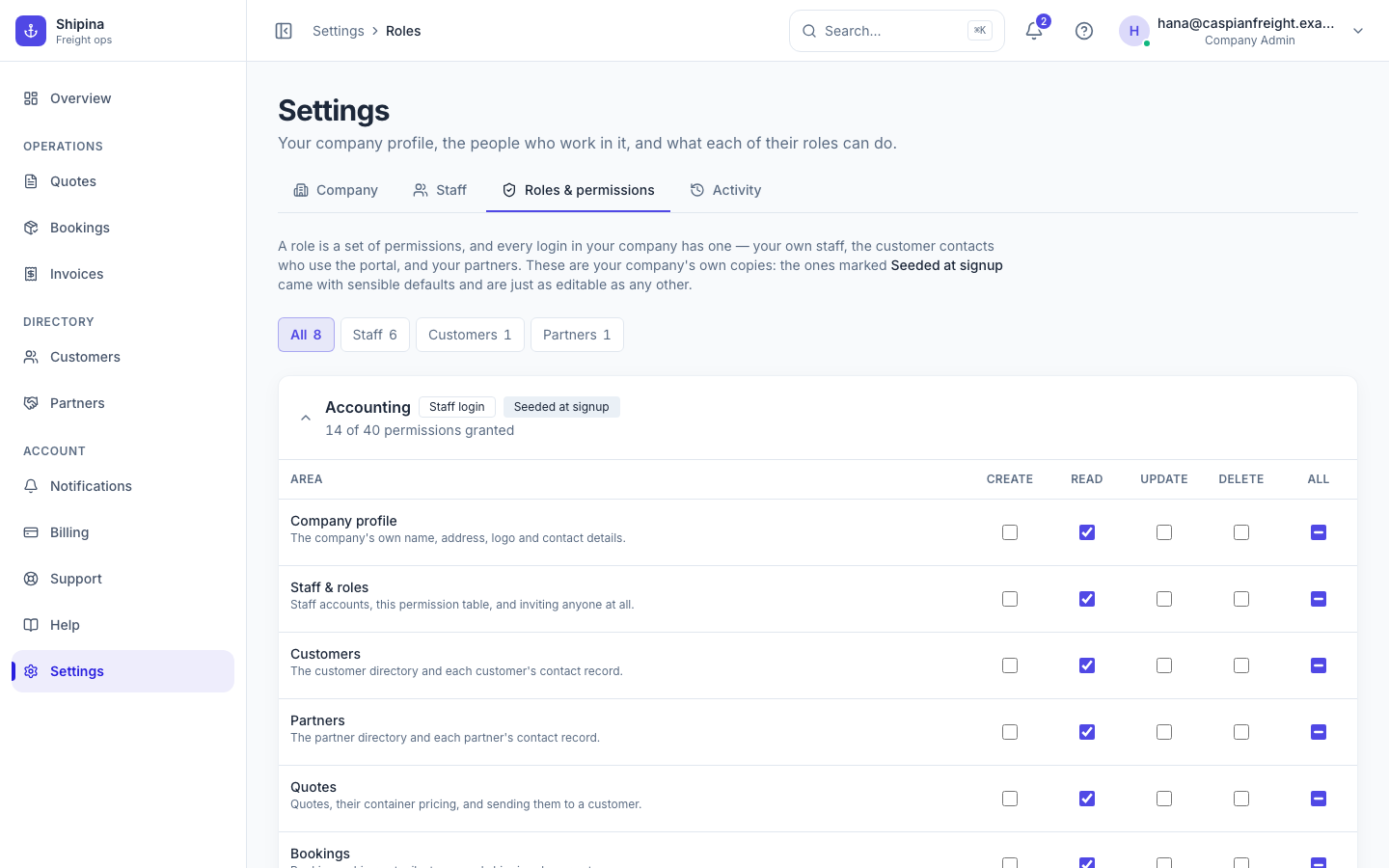
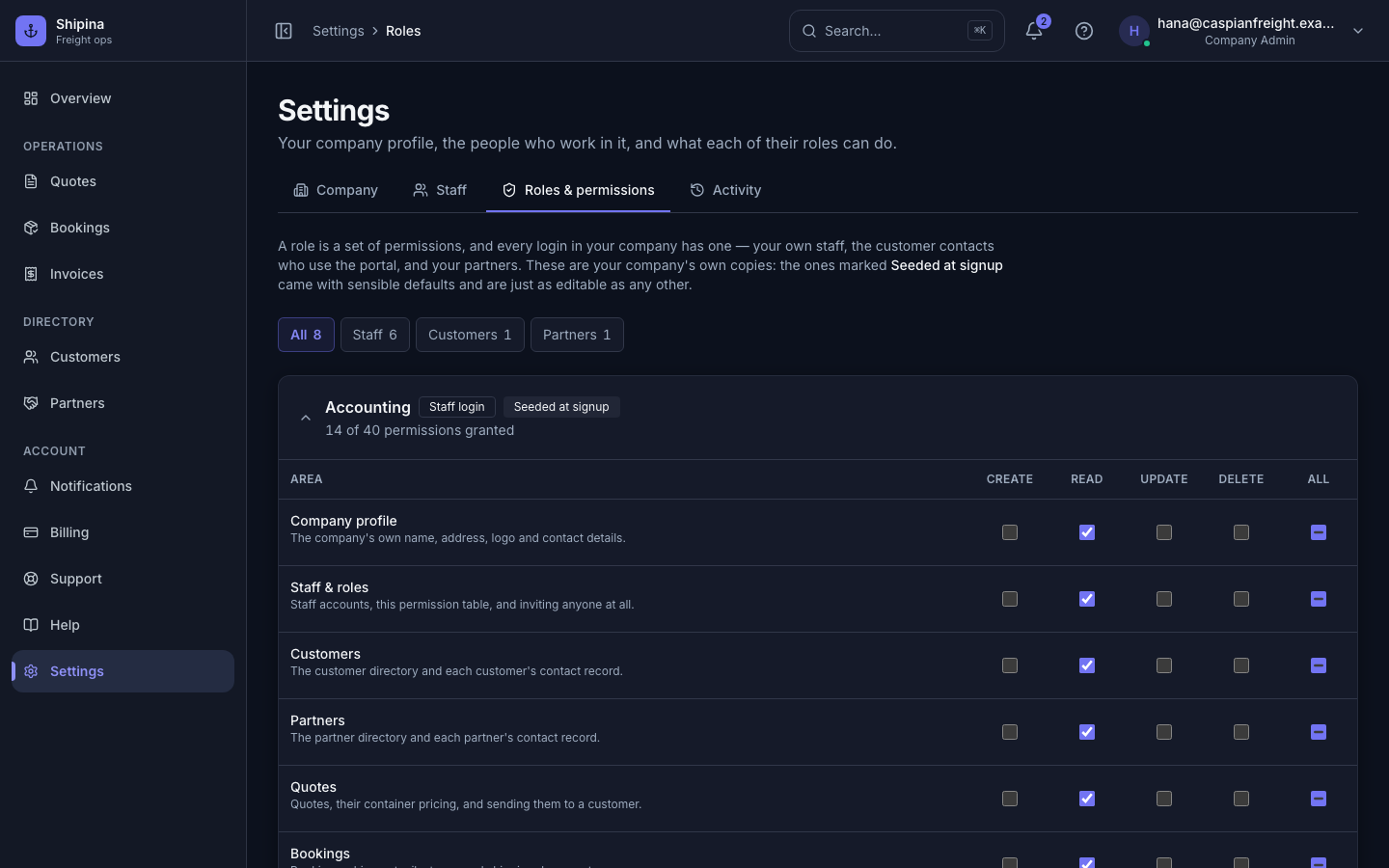
Give everyone exactly what they need
Permissions are a matrix, not a job title. Your team sees what their role allows, and your cost figures never cross to the other side of the wall.
- Roles you can edit yourself, per area and per action
- Buy price and margin stripped from every customer and partner response
- Invite by email, with seats counted against your plan as you go
One platform, three surfaces
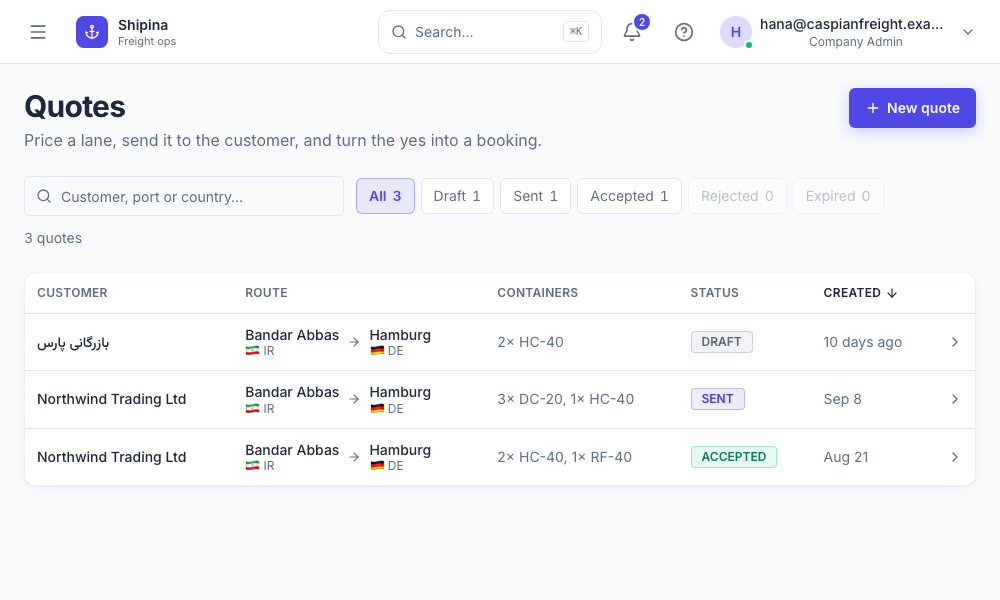
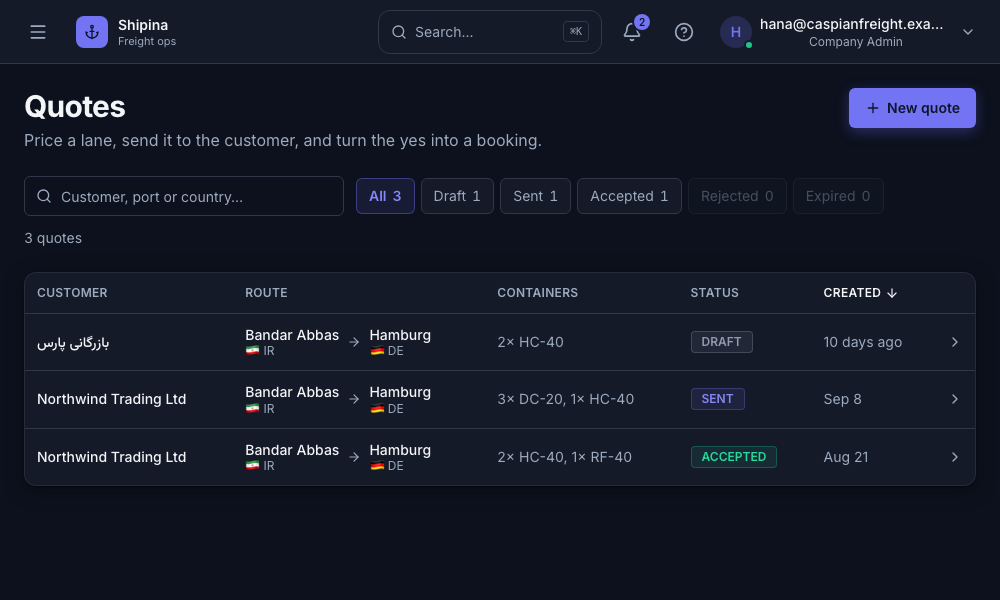
Your staff, your customers and your partners each sign in to a surface of their own. The same shipment, three sets of walls.
Your team
The whole picture — the quote pipeline, every booking and invoice, and the directory behind them.
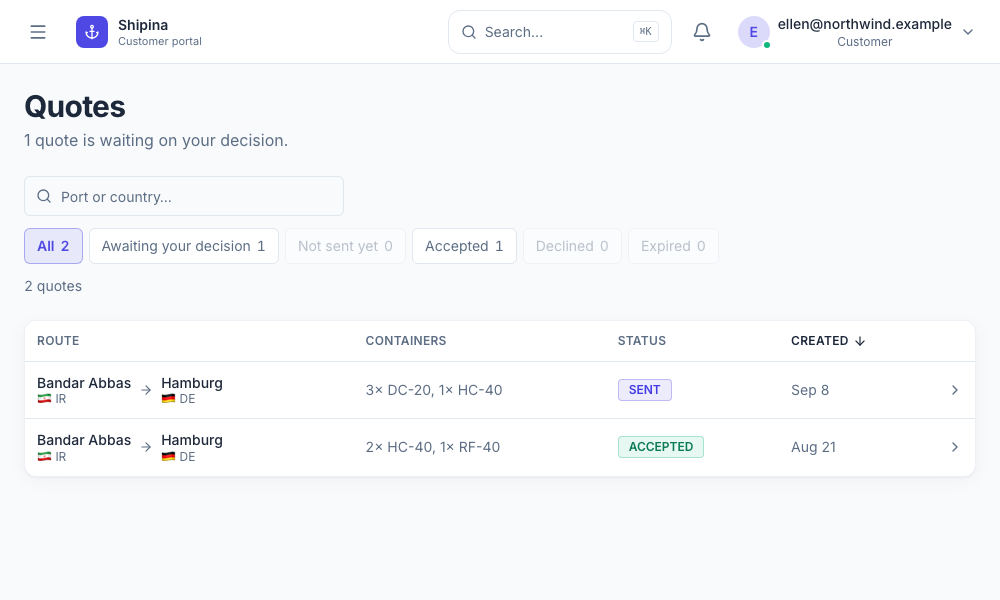
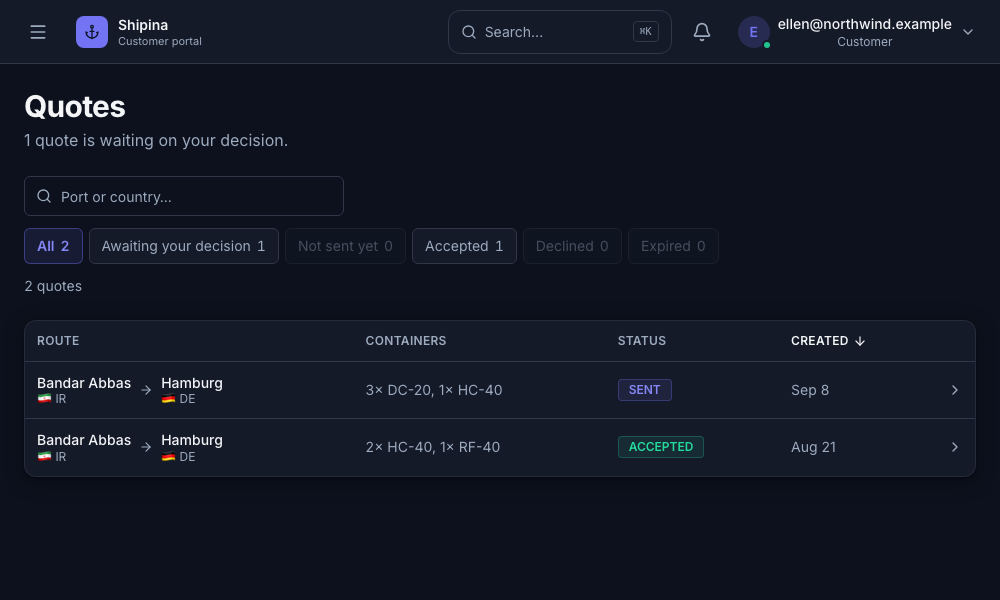
Your customers
Their quotes to accept or decline, their bookings to follow, their invoices to settle. Nothing else, and never a cost figure.
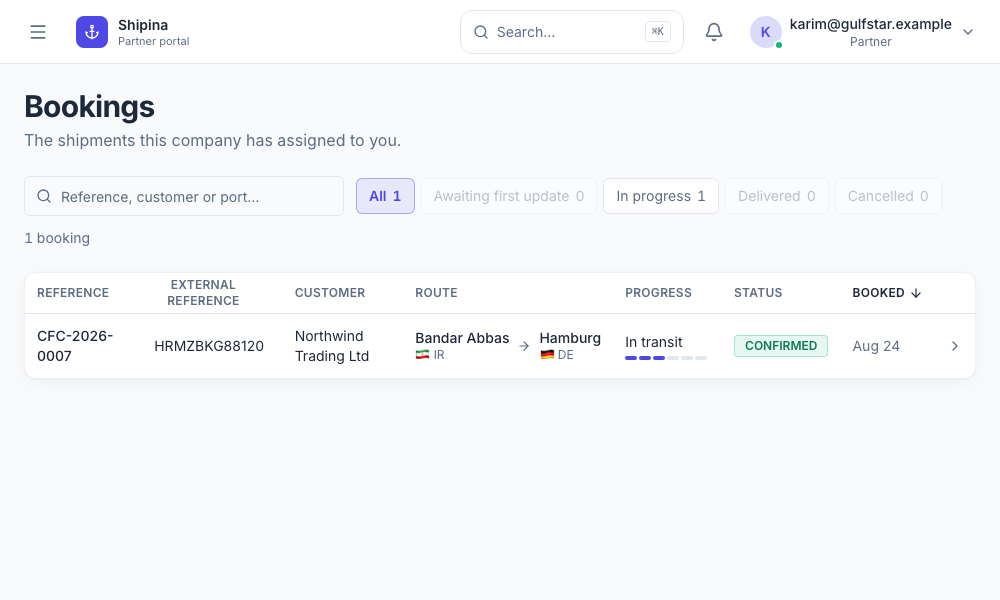
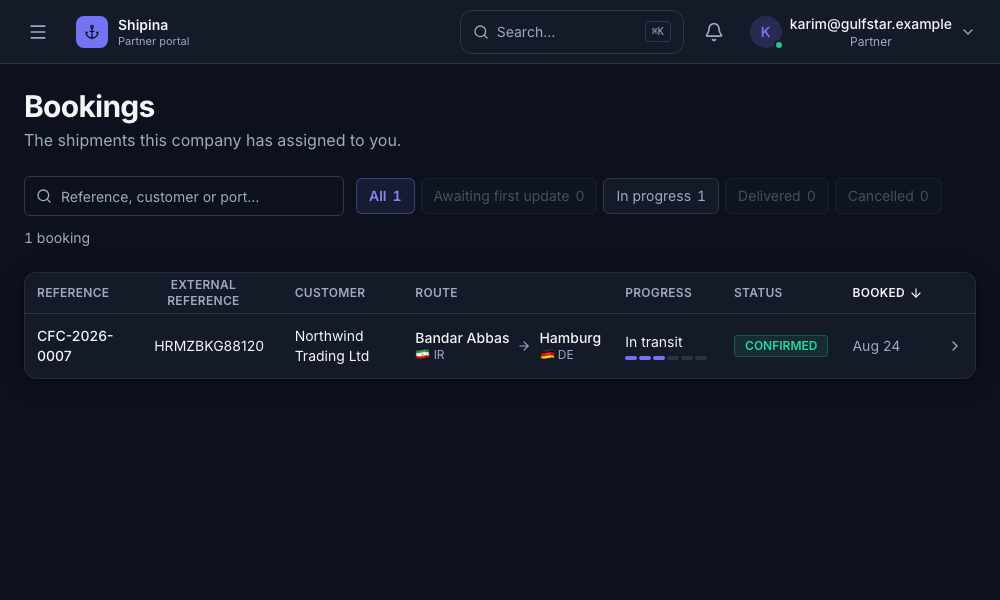
Your partners
The shipments they are actually on, and only the slot they fill on each one.
How it works
From first quote to a paid invoice, in three steps.
Send a quote
Add the ports, cargo details, and pricing — share it straight to your customer's portal.
Confirm the booking
One click turns an accepted quote into a booking, with every detail already carried over.
Invoice & get paid
Generate the invoice from the booking and track its status until it's settled.
Why teams switch to Shipina
Less manual re-entry, fewer mistakes, and a team that can finally see the same numbers you do.
Hours back every week
Stop re-entering the same shipment details across three different spreadsheets and a shared inbox.
Fewer costly mistakes
One source of truth from quote to invoice catches pricing and cargo errors before they become disputes.
Get paid faster
Invoices generated straight from a booking, with clear paid/unpaid/overdue status your team can act on.
Everyone sees the same numbers
Staff, customers, and partners each check status in their own portal instead of emailing you for updates.
- 3
- Steps from quote to invoice
- 1
- Platform instead of five spreadsheets
- 24/7
- Customer & partner portal access
- 100%
- Audit trail on every shipment
Why we're building this
Straight from the team building Shipina.
We built Shipina because every forwarder we talked to was running their business across a dozen spreadsheets and an overflowing inbox. Quoting, booking, and billing belong in one place.
The goal isn't another tool your team has to fight with — it's the one that finally replaces the other five, and gives your customers a real portal instead of a status-update email.
Simple pricing, as you grow
Start small for $5/mo. Talk to us when you're ready to bring on your whole team.
Loading plans...
- Role-based access control
- No credit card required
- Cancel anytime
- Your data stays yours
Frequently asked questions
Can't find what you're looking for? Reach out below.
Most companies are quoting their first shipment within a few minutes of signing up — create your company, invite your team, and you're ready to send a quote.
Talk to us
Tell us a bit about your operation and we'll get back to you — or just sign up and take a look yourself.
Ready to see it in action?
Set up your company in a couple of minutes, or talk to us first.
Or just get occasional product updates: